
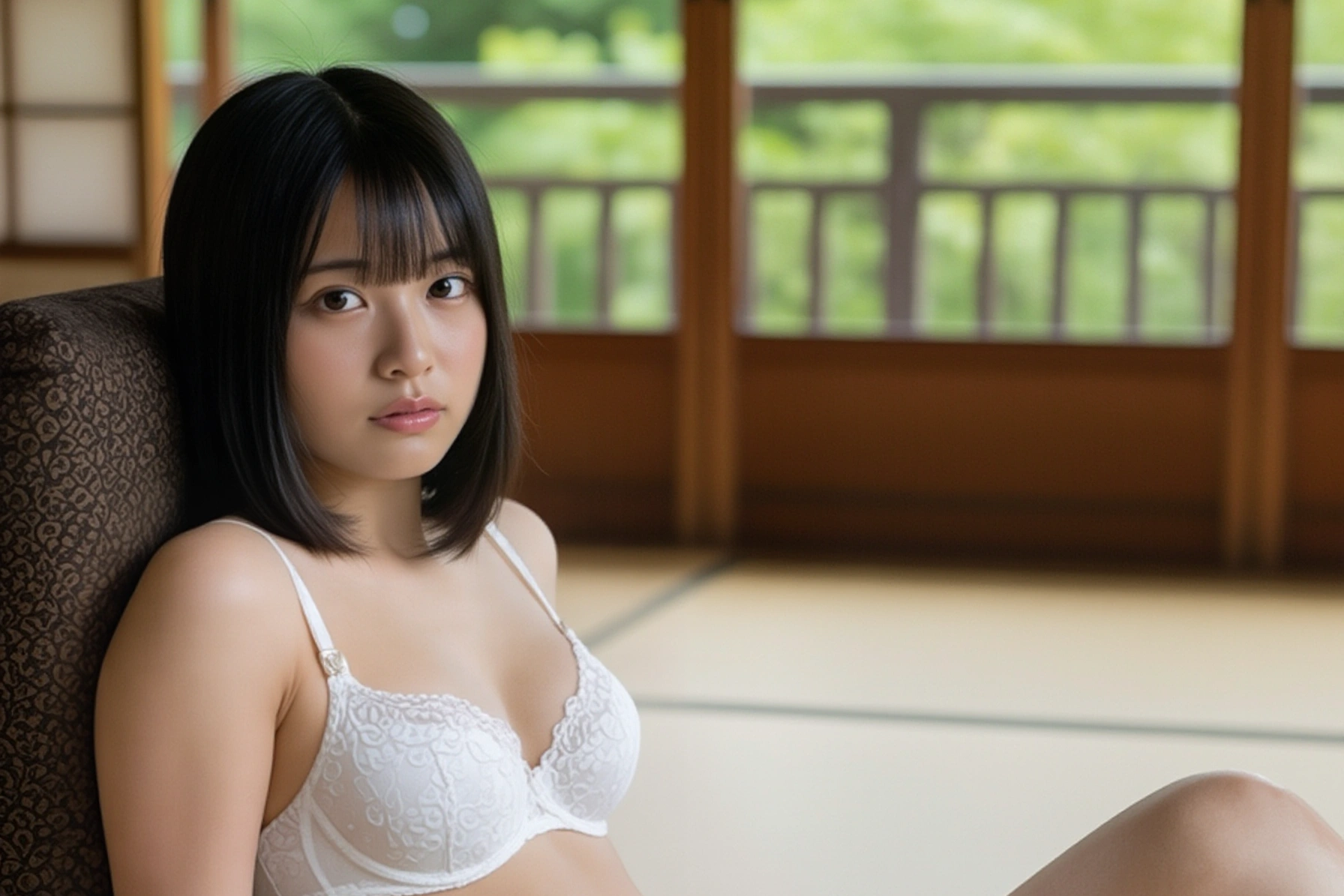
Google の画像生成AI
現在のところ、もっとも高性能だと私が思っているのは、Google の画像生成AIシリーズです。その中でも飛び抜けているのが Gemini 2.5 pro です。
Gemini 2.5 pro
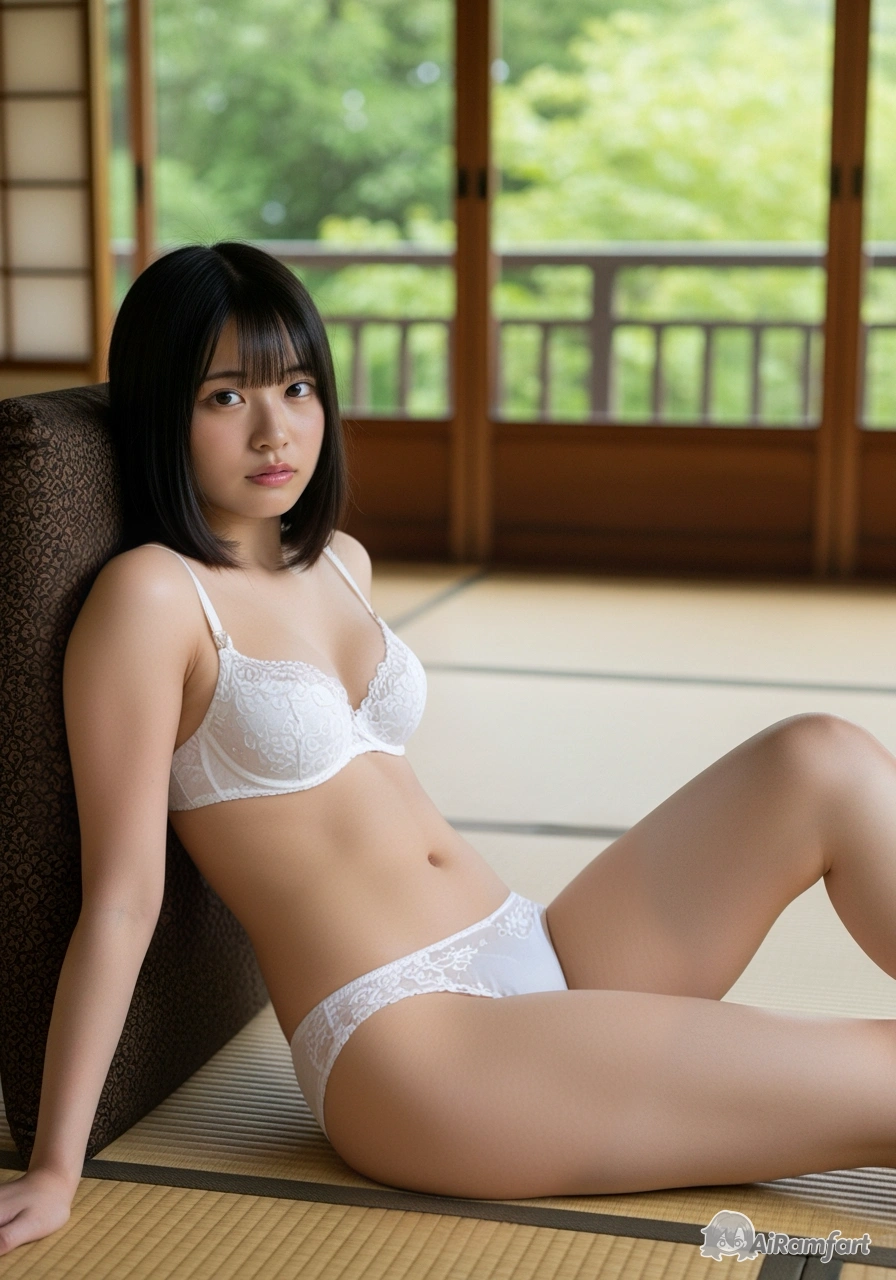
このAIで描かれた画像には、右下に「AI」という透かしが入っているので、見分けがつきやすいのです。例えば、こんな画像を描くことができます。
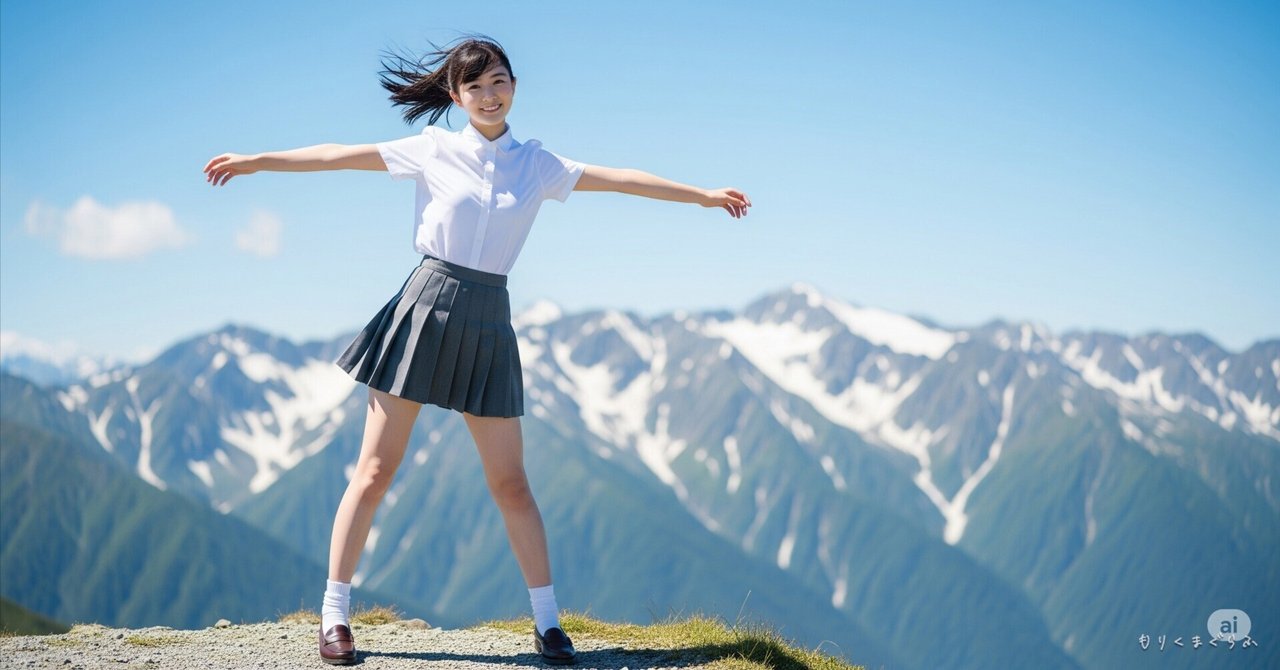
Gemini 2.5 pro を使うと、とても素晴らしい画像を描いてくれるみたいです。そこで、次のプロンプトを投げて私も描いてみました。
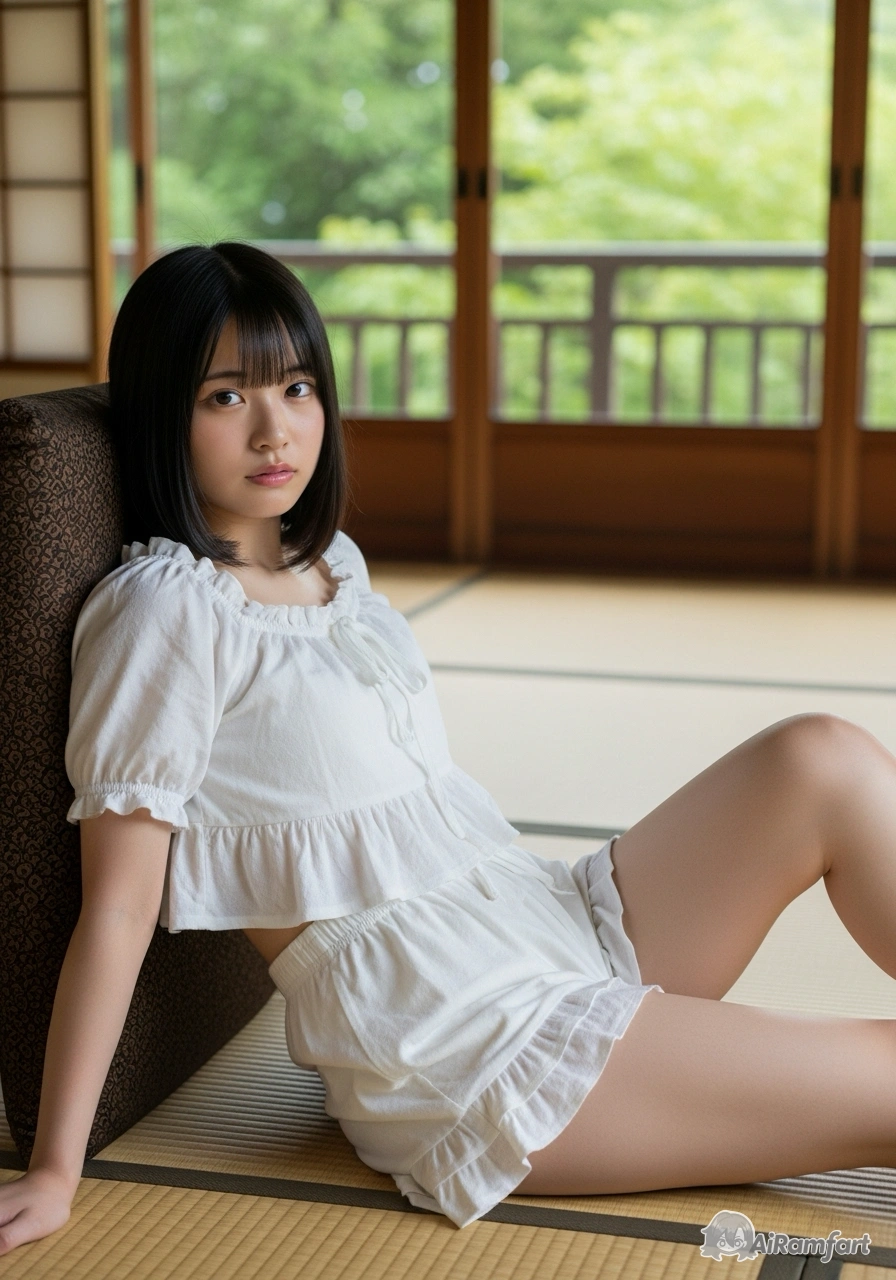
(aspect 3:4) A professional portrait photograph captured in a traditional Japanese interior featuring a Japanese woman reclining on tatami flooring. The subject wears a white ruffled crop top and shorts ensemble while lying beside wooden-framed shoji windows that filter natural daylight and provide glimpses of green foliage outside. The composition employs a medium shot from a slightly elevated angle, with warm tones and shallow depth of field creating an intimate atmosphere. The traditional architectural elements, including the grid-patterned windows and woven tatami mats, provide an authentic Japanese aesthetic context.
結果がこちら。
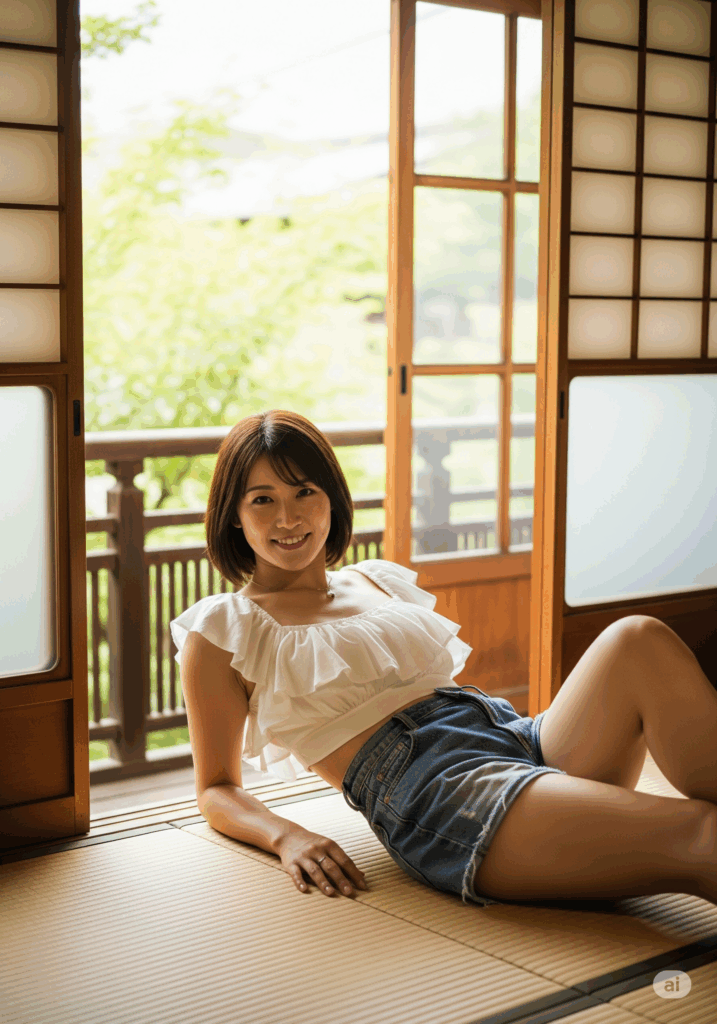
DLすると、最初からイメージサイズが 1,792×2,560 でアップスケール済みというサイズ。なんて言うか有無を言わさず王者の風格です。(画像が粗い場合は、タップして読み込んでみて下さい。)
しかし、Gemini 2.5 pro は基本的に有料。お試しすると、すぐお試し上限に達してしまいます。有料プランにアップグレードとすると、2,900円/月のようです。
そこで次点が Whisk なのです。
Whisk
こちらは、今の所回数制限で引っ掛かっていないので、無料で使い放題なのでしょうか?
さて、Whisk にも ImageFX と同じ 894×1,280 のイメージサイズが登場していました。これは、ImageFX の代替として大いに使えます!
しかも Whisk にはプロンプト抽出という絶大な機能がありますので、これを使って、著作権の関係で使えない画像に似た画像を種絵として使うこともできます。
では、今回は Whisk の簡単な使い方について書いてみます。
画像の読み込み
まず、Whisk のページへ行きます。
ツールを開いたら、モデルのところにプロンプトを抽出したい画像を読み込ませて見てください。
すると、画像を解析して、読み込ませた画像をプロンプト化してくれます。
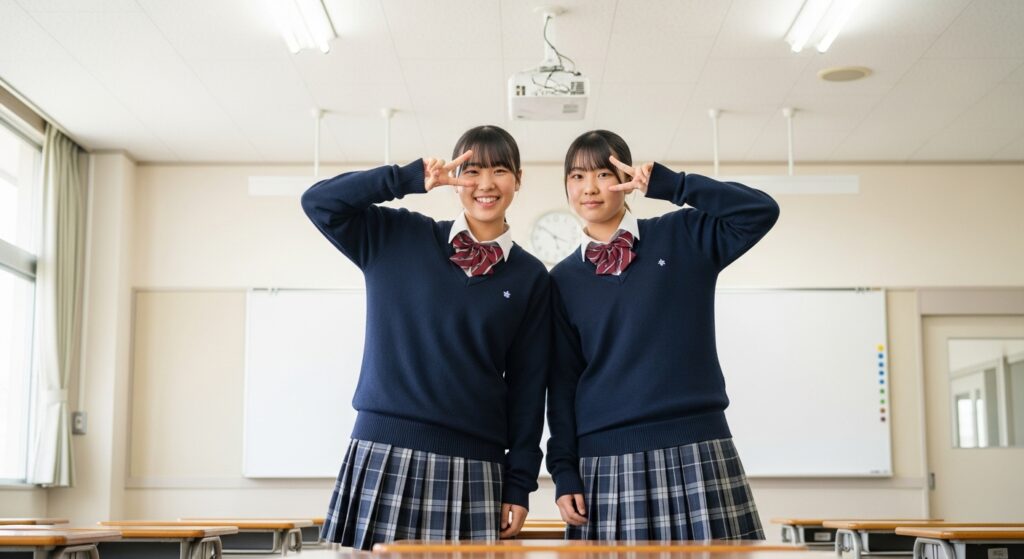
私が読み込ませた画像から抽出されたプロンプトはこちら。
A classroom photograph shows two teenage female students in navy blue sweaters and plaid mini skirts, standing shoulder-to-shoulder in traditional Japanese school uniforms. Each student making peace signs with the right hand, their faces displaying playful and excited expressions. The classroom background features a large white board mounted on the wall, with fluorescent ceiling lights illuminating the scene alongside natural light from windows. Documentary-style photography with balanced medium range mixed natural and artificial lighting.
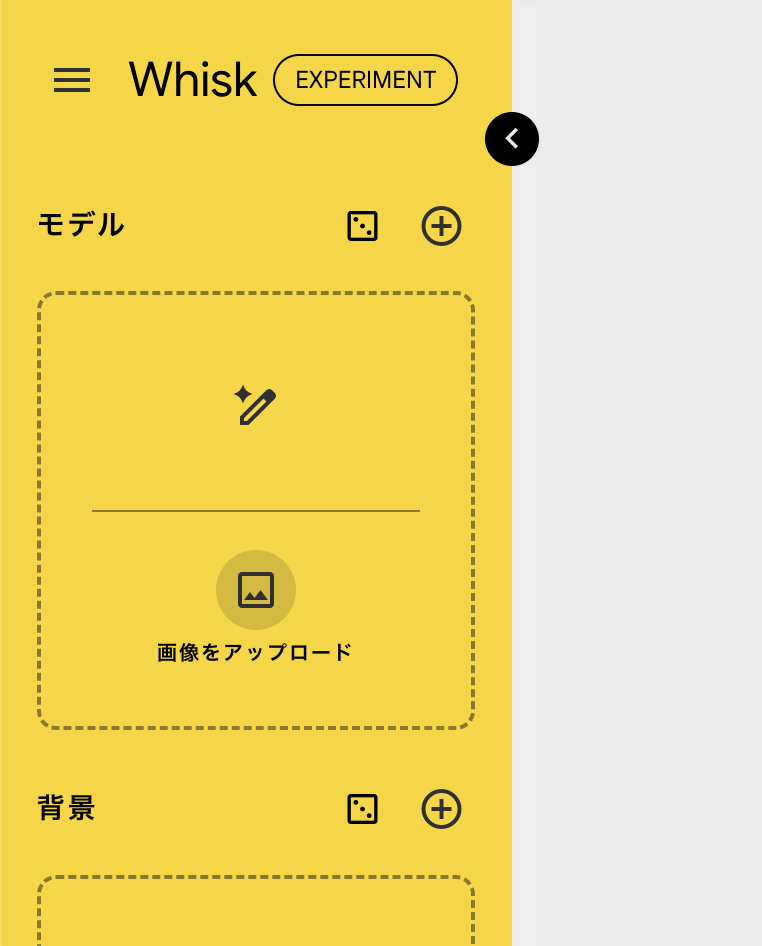
アスペクト比を変更しておきます。
生成結果はこちら。アスペクト比を変更する前に解析したので、横長ですが・・・。
次に、背景のところに、背景画像を同じように読み込ませます。
今回読み込ませた画像はこちら。
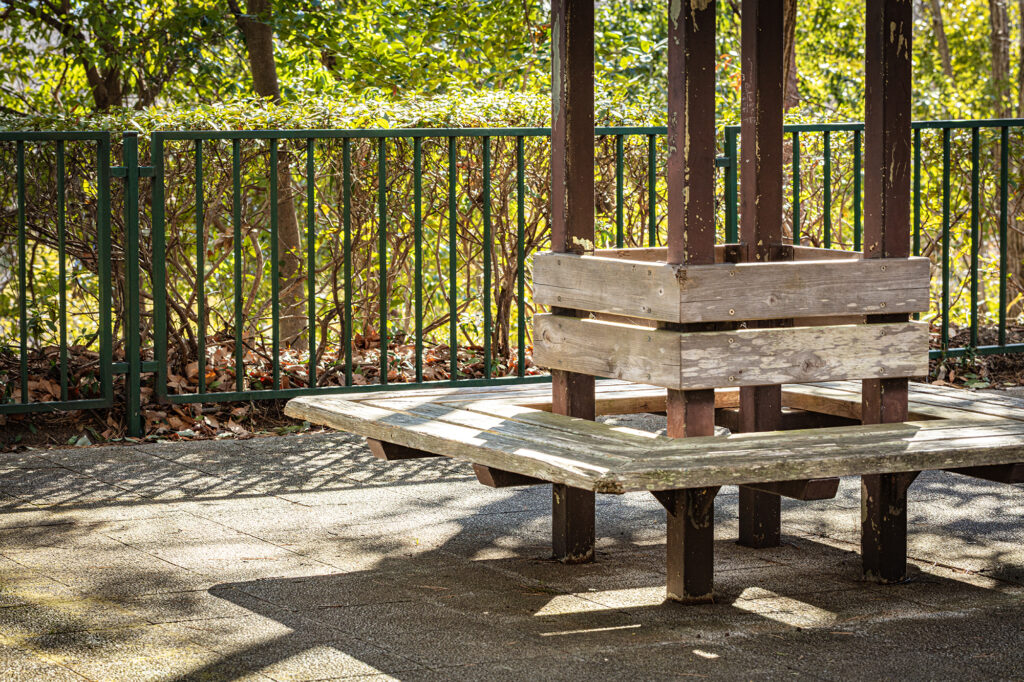
この画像から抽出されたプロンプトがこれ。
A weathered wooden gazebo-style bench sits on a concrete paved area, bathed in dappled sunlight and deep shadows. The bench features a central, multi-sided wooden structure with several support beams. Around this central element, four wooden planks form a square seating arrangement, with gaps between the planks. The wood of the bench and its central structure shows signs of aging, with varying shades of light brown and gray, and some visible wear and tear.
Behind the bench, a dark green metal fence with vertical bars runs horizontally across the frame, acting as a boundary. Beyond the fence, a dense collection of green bushes and trees creates a natural backdrop. The foliage is vibrant and lush, with various shades of green, suggesting a healthy outdoor environment. Sunlight filters through the leaves, creating bright highlights and casting intricate shadows on the ground and parts of the fence. Some dried, light brown leaves are visible on the ground directly behind the fence, indicating the presence of deciduous trees nearby.
The concrete paving on which the bench rests is composed of rectangular tiles, some of which are brightly lit by the sun, while others are submerged in the dark, distinct shadows cast by the bench and the surrounding trees. The overall impression is of a quiet, sunlit spot in a park or garden, where natural elements and man-made structures blend together.
これを翻訳してみるとこう。
風化した木製のガゼボスタイルのベンチがコンクリート敷きの上に置かれ、薄日と深い影を浴びている。ベンチの中央には、数本の梁を持つ多面的な木製の構造物がある。この中心を取り囲むように、4枚の板が四角い座席を形成し、板と板の間には隙間がある。ベンチの木部と中央の構造体には経年変化が見られ、明るい茶色とグレーの濃淡がさまざまで、擦り切れも見られる。
ベンチの背後には、縦棒のついた深緑色の金属製フェンスがフレームを水平に横切り、境界の役割を果たしている。フェンスの向こうには、緑の茂みと木々が鬱蒼と生い茂り、自然の背景を作り出している。葉は生き生きとして青々としており、さまざまな色合いの緑が健康的な屋外環境を暗示している。太陽の光が葉の間を通り抜け、明るいハイライトを生み出し、地面やフェンスの一部に複雑な影を落としている。フェンスの真後ろの地面には、乾燥した薄茶色の葉がいくつか見られ、近くに落葉樹があることを示している。
ベンチが置かれているコンクリート舗装は長方形のタイルで構成されており、その一部は太陽の光で明るく照らされているが、他の一部はベンチと周囲の木々が落とす暗くはっきりとした影に沈んでいる。全体的な印象は、公園や庭園の静かで陽光が差し込む場所で、自然の要素と人工的な構造物が調和している。
DeepL.com(無料版)で翻訳しました。
画像からこれだけのプロンプトを抽出する Whisk 恐るべし。
画像のブレンド
では、Whisk を実行してみます。実行させると、2枚の画像が生成されます。2回実行した結果がこちら。
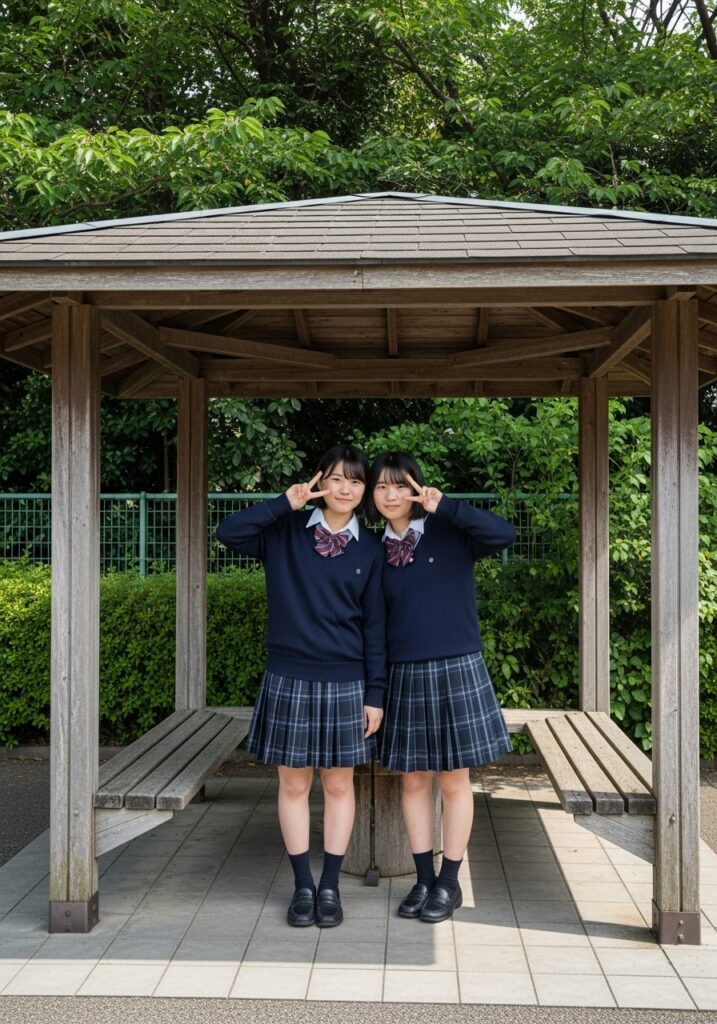
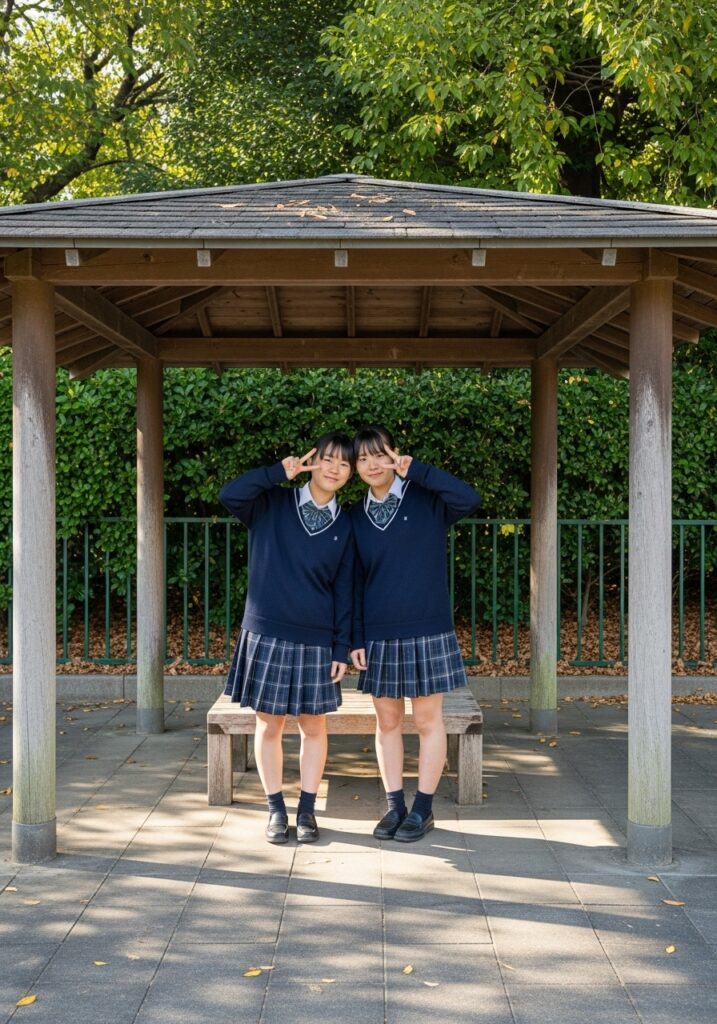
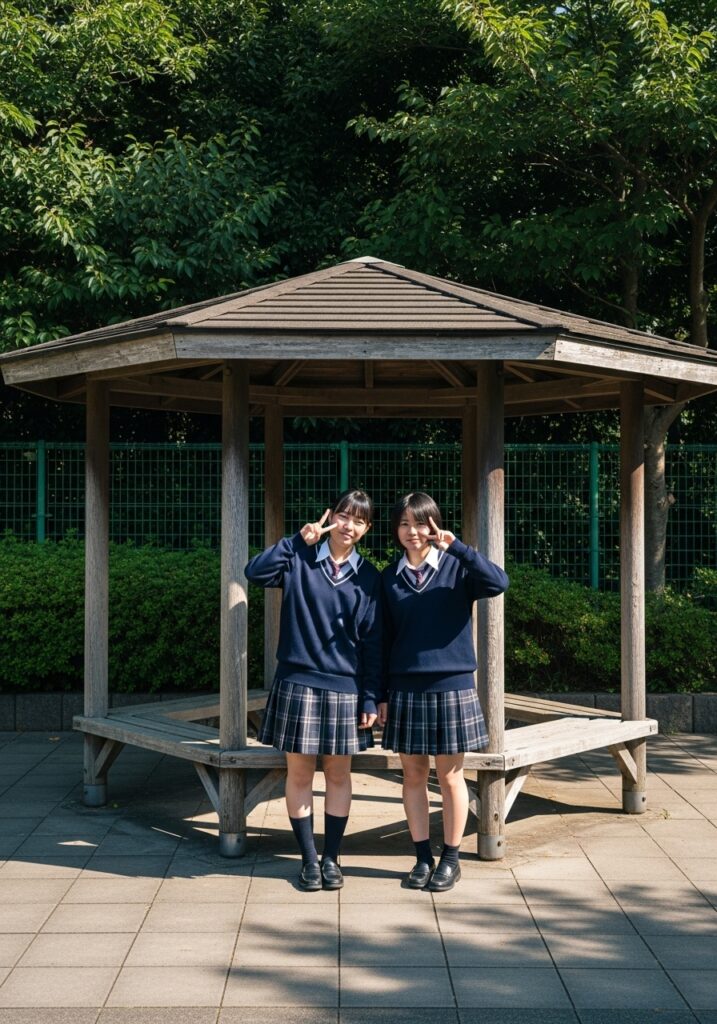
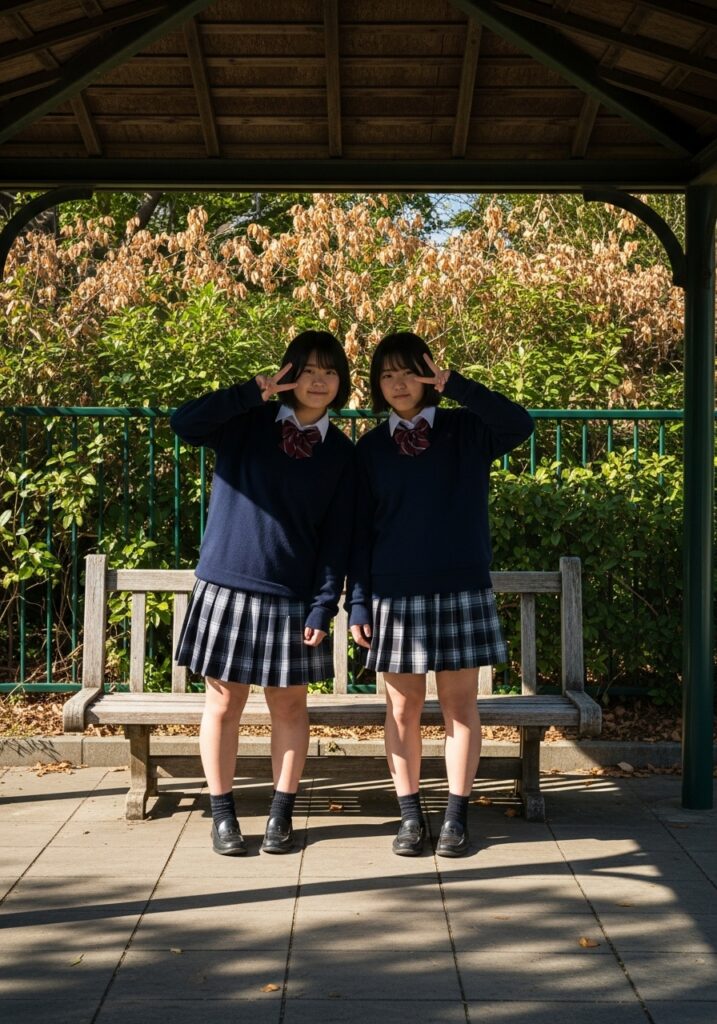
イメージをちゃんと融合してくれます。しかも、私が普段使っているローカルで動くAIを遥かに凌ぐ完成度で。
試しに、人物の方のプロンプトをちょっといじってセーターを脱いでもらいました。
A classroom photograph shows two teenage female students in white shirt and plaid mini skirts, standing shoulder-to-shoulder in traditional Japanese school uniforms. Each student making peace signs with the right hand, their faces displaying playful and excited expressions. The classroom background features a large white board mounted on the wall, with fluorescent ceiling lights illuminating the scene alongside natural light from windows. Documentary-style photography with balanced medium range mixed natural and artificial lighting.
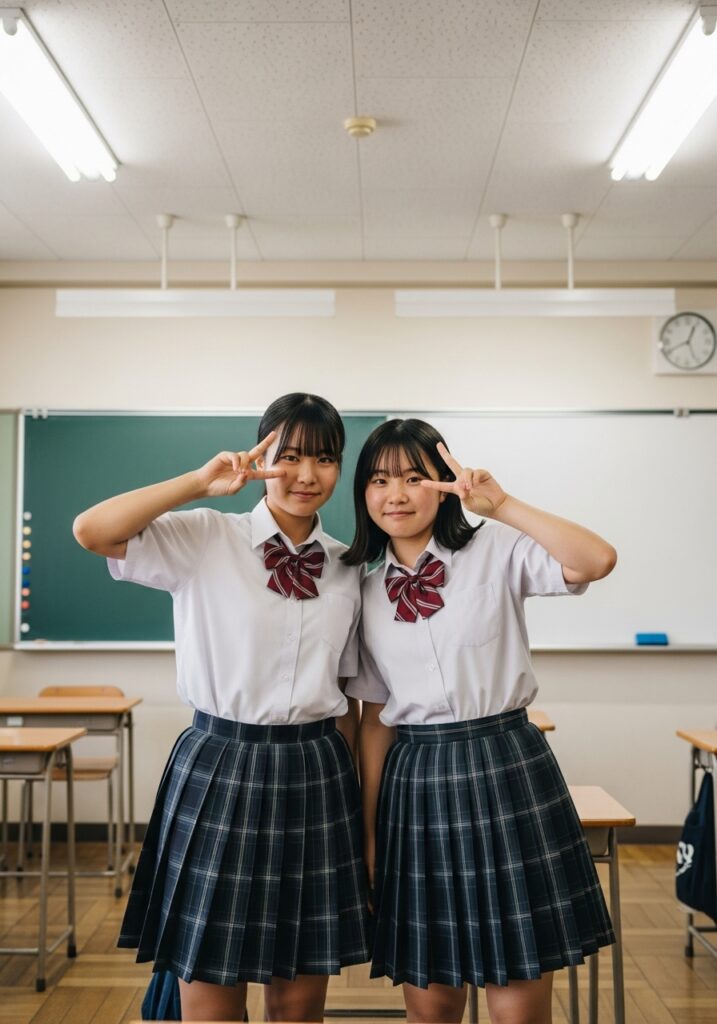
アスペクト比もちゃんと直っています。
では、彼女達をさっきの場所に座らせるために、Whisk 自体にも指示を与えて見ました。

生成結果がこちら。
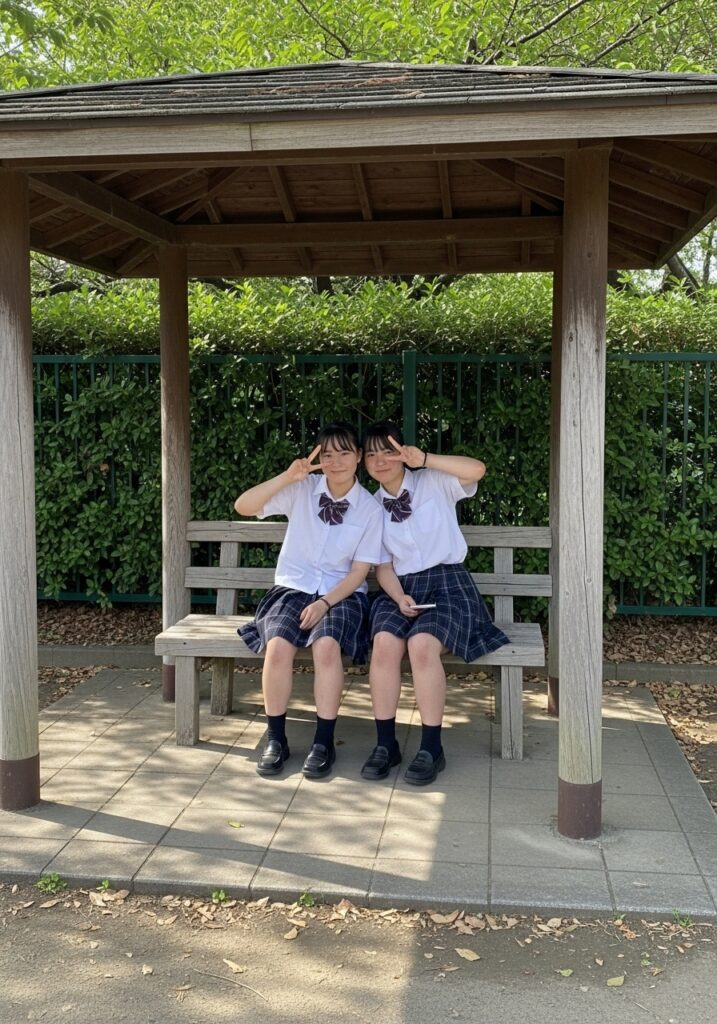
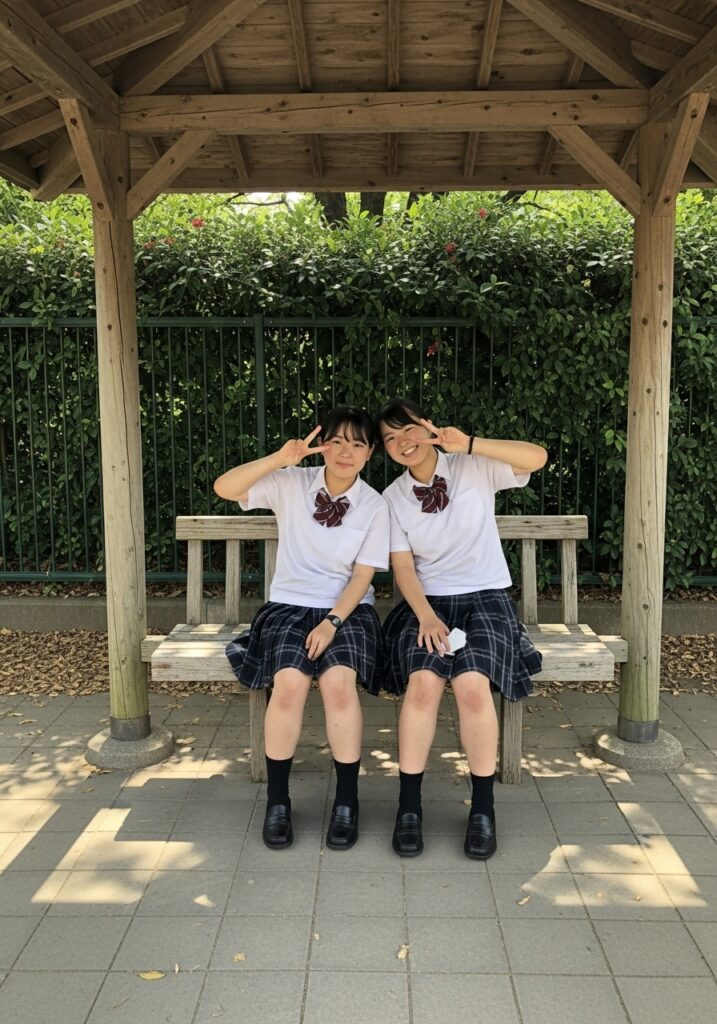
この自然な感じ。Google の画像生成AIの性能がいかに秀でているかを感じずにはいられませんでした。
また人物プロンプトを変更。
Two Japanese women are posing for a photo. They are wearing white collared shirts, with pleated dark plaid skirts. Each woman has long, straight black hair. The woman is smiling with her mouth open. The right woman is holding a pastry in her right hand, with her mouth open as if speaking or laughing. She has a light pink bracelet on her right wrist. All two women appear to be in their late teens. The background is a classroom setting with a whiteboard visible on the wall.
生成された画像はこちら。

もう一人人物を追加
モデルのところにある+をクリックして、もう一枚画像を読み込ませました。読み込んだ画像のプロンプトはこちら。
A young adult woman stands in a full body shot on a paved surface outside a white house. She appears to be of East Asian descent, with fair skin, brown eyes, and dark brown hair that falls past her shoulders. She has a slight smile and is looking directly at the viewer. She is wearing a light pink, floral sundress with thin straps, which is short and flowy, revealing her legs. Her fingernails are painted red. She is wearing light-colored open-toed heels.
白い家の外の舗装された路面に、若い成人女性が全身ショットで立っている。彼女は東アジア系と思われ、白い肌、褐色の瞳、肩にかかるダークブラウンの髪をしている。彼女はわずかに微笑み、見る者を直視している。薄いピンクの花柄の晴れ着を着ており、細いストラップがついている。爪は赤く塗られている。薄い色のつま先の開いたヒールを履いている。
人物を2つ指定して、生成したところ、ちゃんと3要素をミックスします。
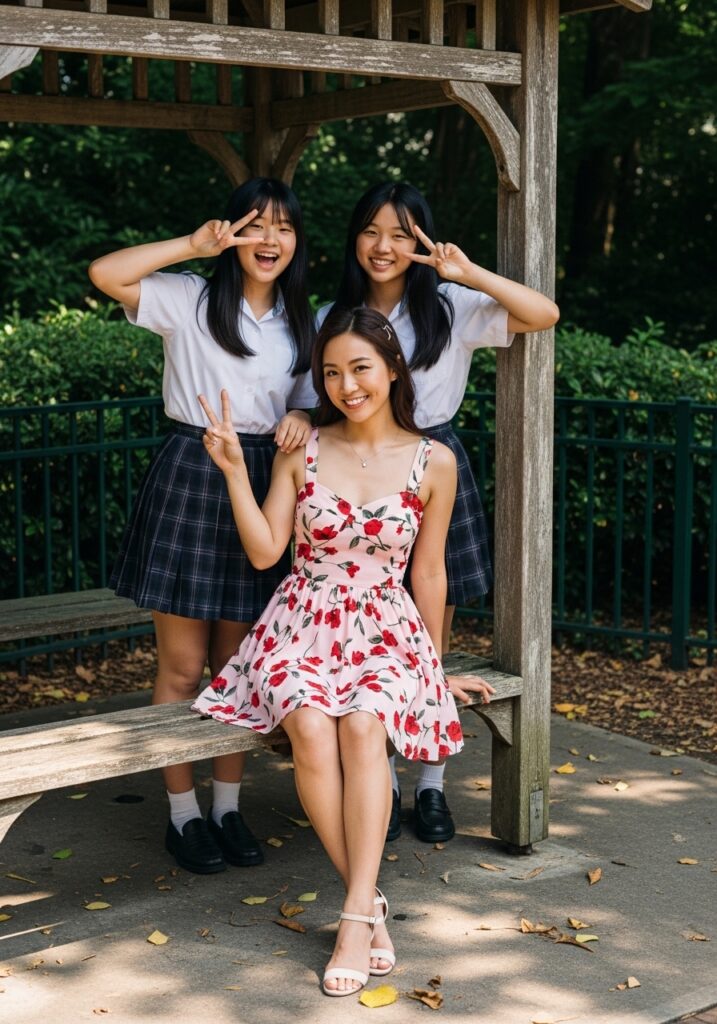
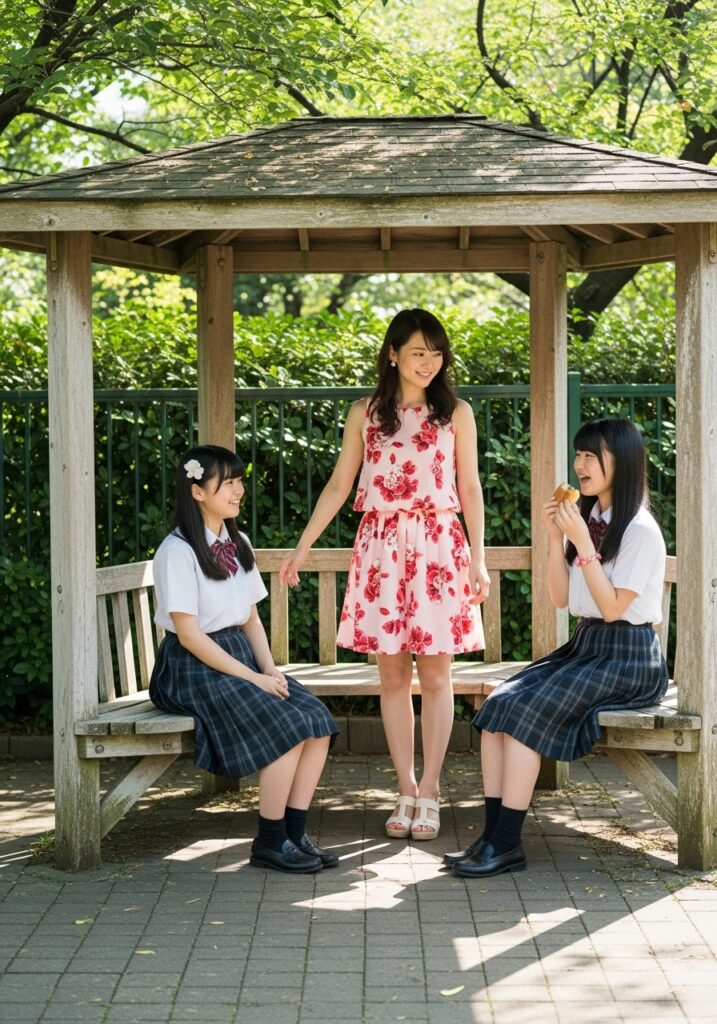
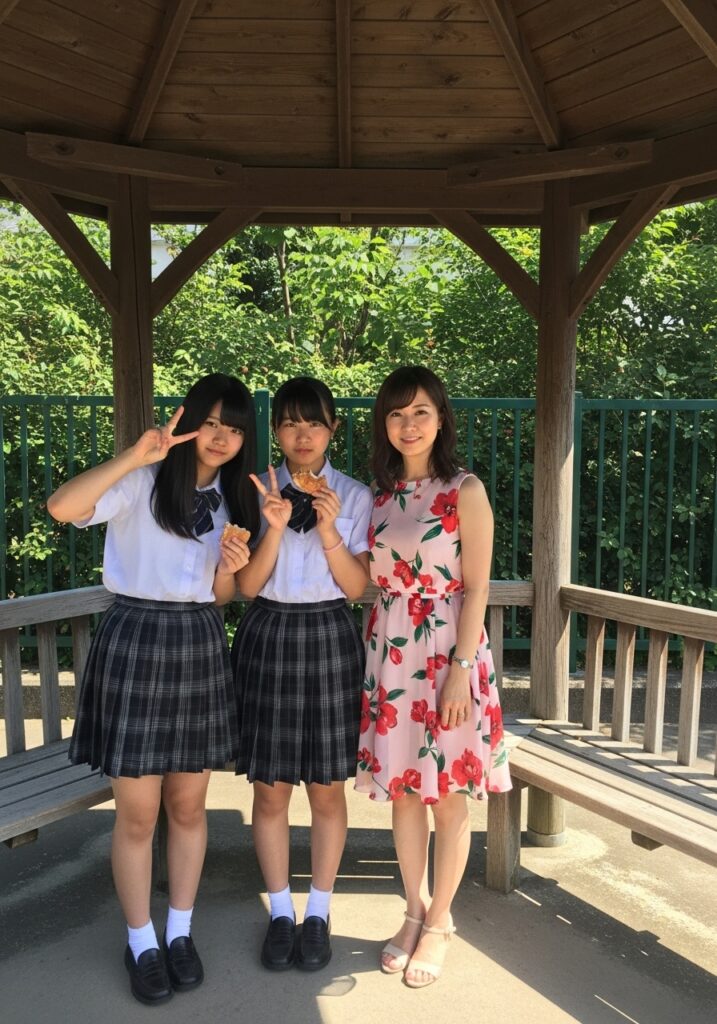
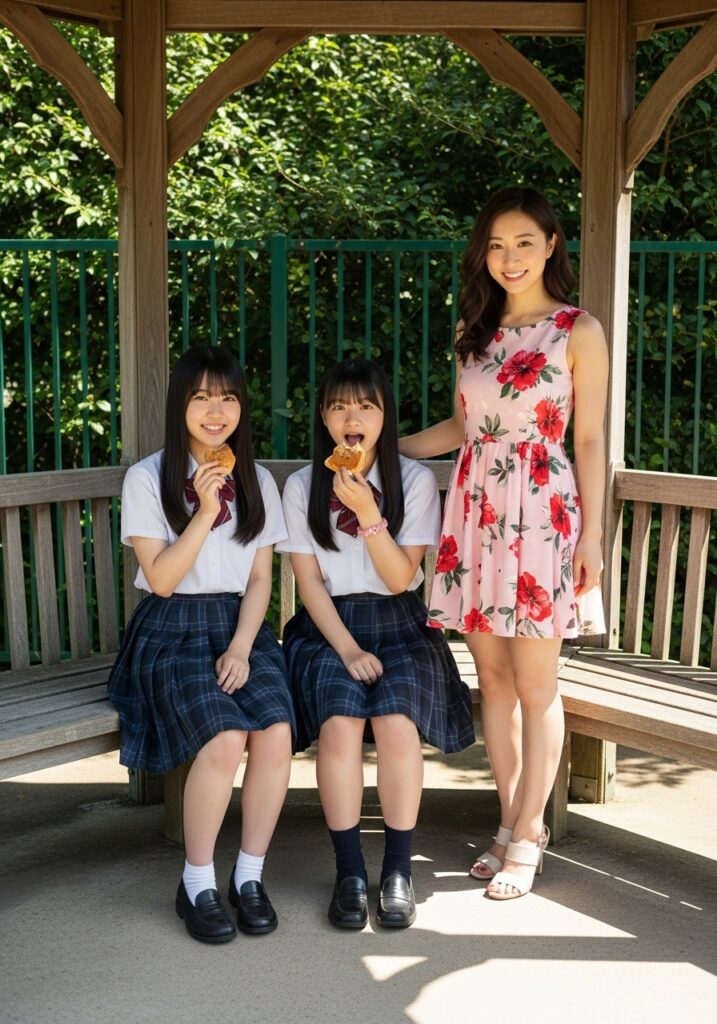
何か、もう何が何やらわからなくなってきましたが、Whisk を使うと別次元の編集が出来てしまいます。
モデルを更に追加し、背景もチェンジすると、こんな感じに。
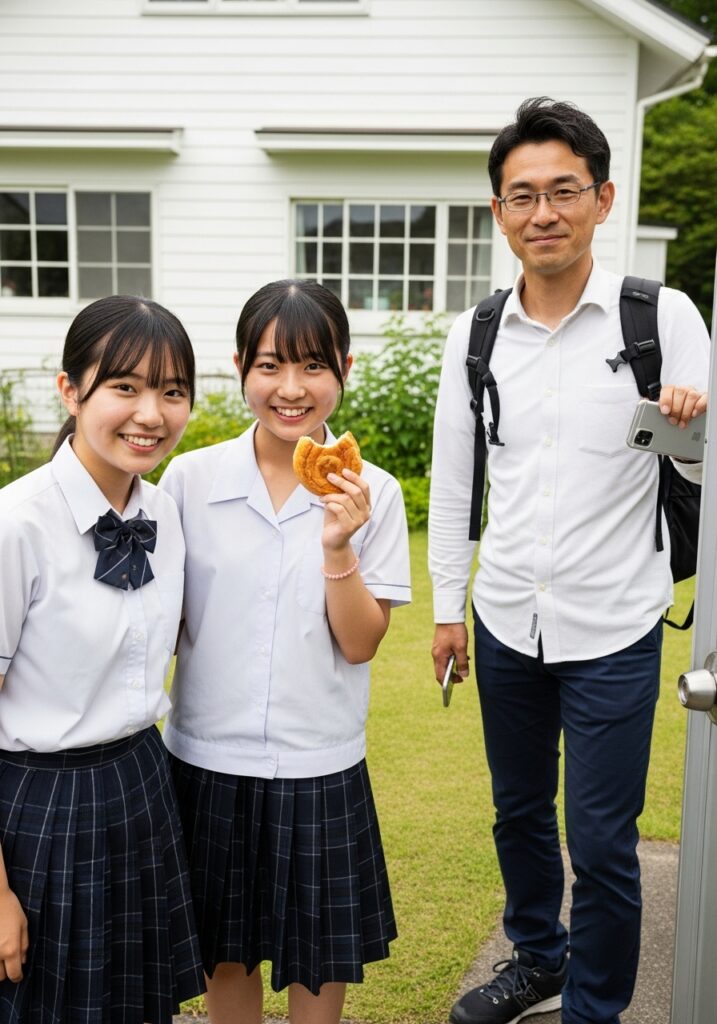
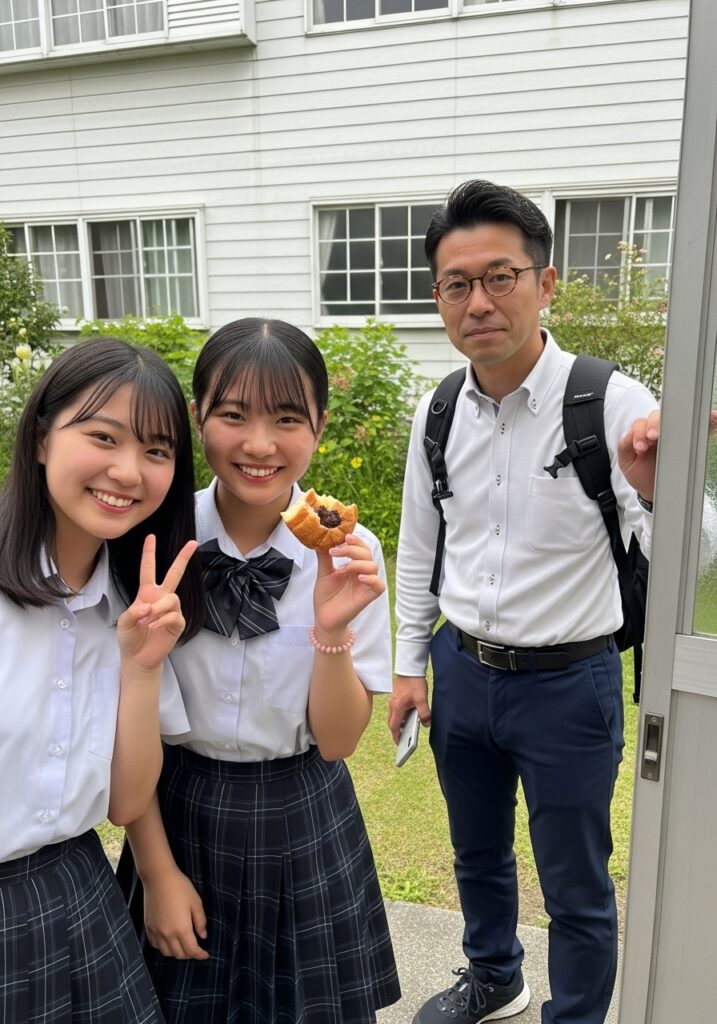
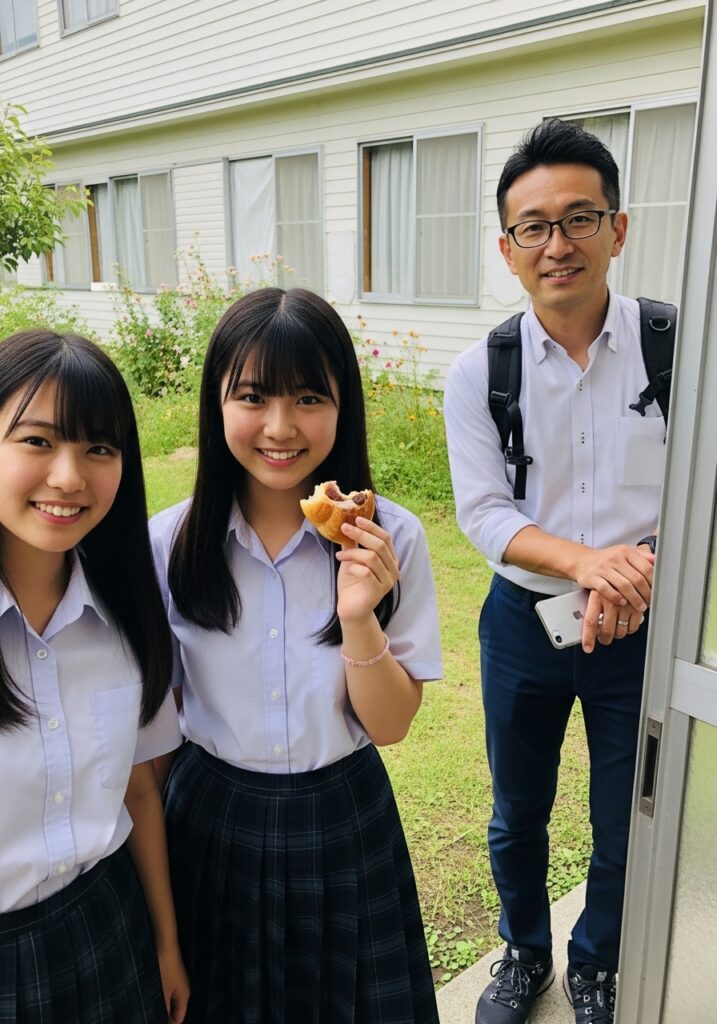
これは、リアル写真ではありません。AIが作成した画像なのです。
時々可愛い子が登場するので、なんか癒されちゃいますよね。
これ、Gemini 2.5 pro に課金すると、動画にも出来ちゃうみたいです。恐るべしGoogle
作品生成のフロー
- 自分が気に入った画像を、Whisik に投げて、プロンプトを抽出する。
- そのプロンプトを自分なりに解釈し、違和感を修正する。
- Whisk に修正したプロンプトで作画させる。
- 背景画像と融合する。
- 融合した出力を、ローカルAIで修正する。
- 解像度感を増すためにアップスケールする。
と、こんな感じになるでしょうか。ローカルAIで修正すると、品質はそのローカルAIのレベルに落ちてしまいます。従って、軽い修正程度にするのがいいのかもしれませんね。
特に、顔の表情は Whisk の生成は抜群ですから、そのままにしたいところです。
まとめ
ImageFX も凄かったけど、プロンプトを抽出できる Whisk は現在のところ最強の画像編集AIだと断言できます。そして、Inpaint編集は、周囲の画像情報を学習して塗りつぶす編集なので、最強の Whisk を種絵にして Inpaint する事で、よりリアルなグラビア写真が出来上がるのでした。
この下はオマケです。

無料会員登録すると、この下にメンバーエリアが表示されるようになります。メールアドレスとユーザー名だけで登録できますので、是非登録して、メンバーエリアも見てってね!




コメント